Music player for Android, Android Auto and Android TV

Your music.
Everywhere.

Miauw plays the music you already own, from Google Drive or saved on your device, on your phone, in your car and on your TV. No subscriptions, no ads, and no catalogue that disappears when a licence expires.

  • Free
  • No ads
  • No account needed for local music
  • Google DriveMy Drive, Shared drives, shared files
  • Hi-Res audioNative audio engine
  • Works offlineEncrypted offline copies
  • Phone, car and TVOne library everywhere

Features

A player built for your own collection

Bring the albums you ripped, bought or recorded. Miauw organises them from their tags and plays them the way they were meant to sound.

Stream from Google Drive

Connect Google Drive, including Shared drives and files shared with you. Play right away, or keep songs offline so the music plays on without a connection.

Play your local files

Add single songs or whole folders. FLAC, MP3, WAV, OGG, AAC and more, with albums, artists and cover art read straight from your files' tags.

Sound the way you like it

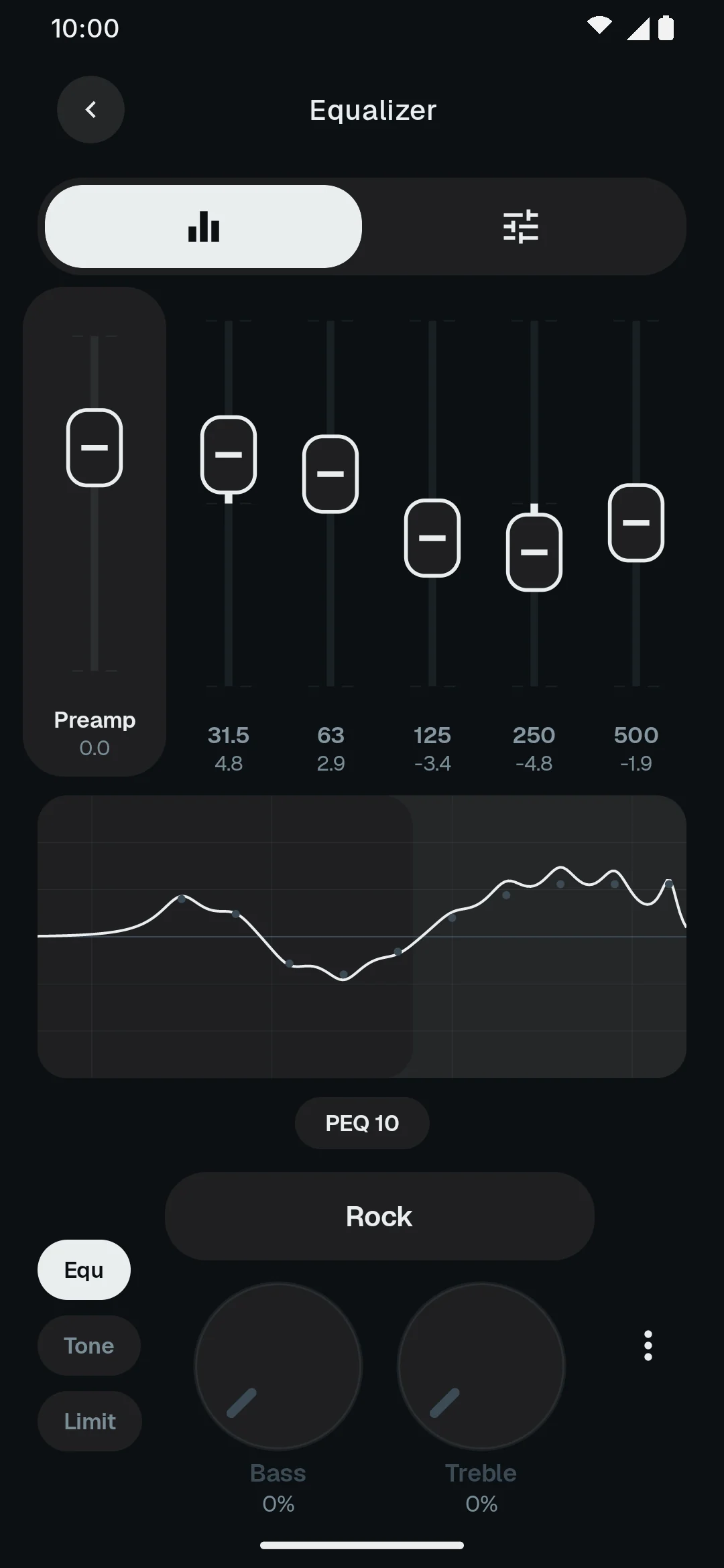
A parametric or graphic equalizer with genre presets, your own presets and a separate profile for your headphones, speaker and USB DAC.

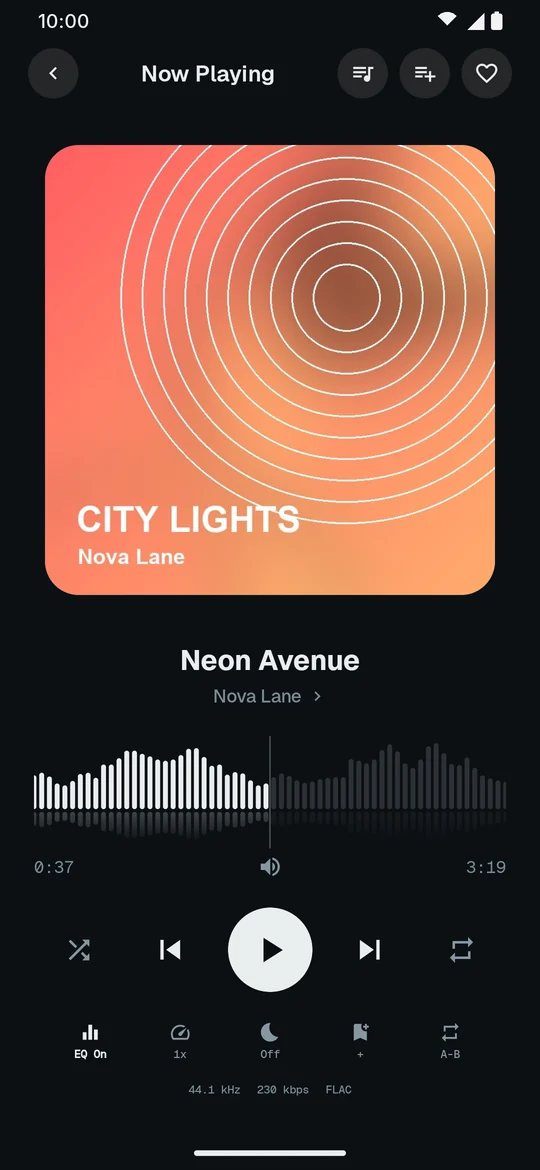
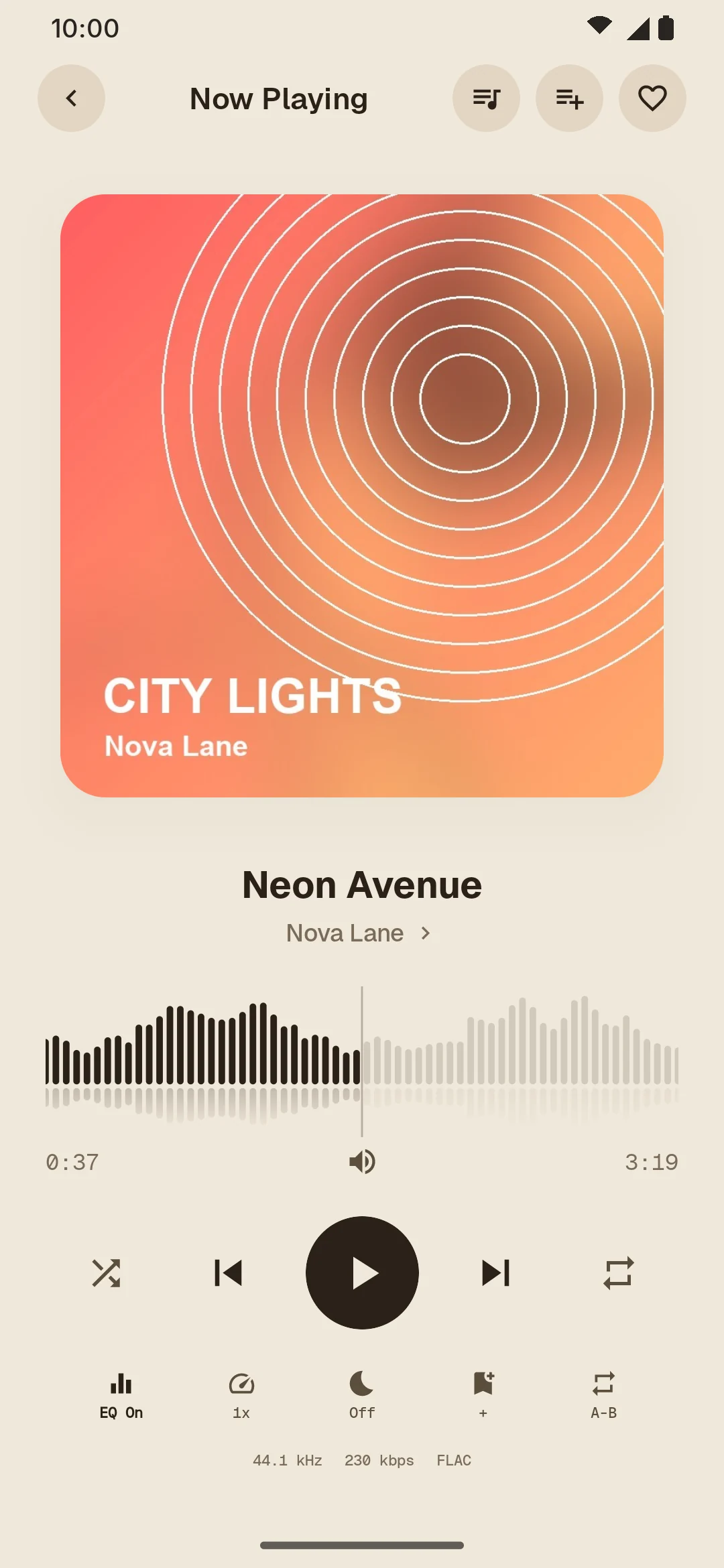
Waveform seek bar

See the shape of every track and jump straight to the chorus. Gapless playback, crossfade, volume leveling, speed control and silence trimming.

Playlists, your way

Manual and smart playlists, M3U import, favourites, ratings and recently played. Edit track details, find duplicates and repair missing sources.

Synced lyrics

Lyrics that follow the song, found automatically and editable by hand. Sleep timer, bookmarks and a queue you can rearrange as you listen.

New in 1.0

A native audio engine, rebuilt from the ground up

Miauw 1.0 is a fully native Android app with its own audio engine, so your music reaches your headphones with as little in the way as possible.
  • Hi-Res outputPlays your files at their own sample rate, and in 24-bit or 32-bit where your phone and DAC support it.
  • Parametric equalizerUp to 64 bands, with a separate profile for each output device.
  • Crossfade and gaplessLive albums flow without a gap; playlists blend from one song into the next.
The parametric equalizer in Miauw, showing the Rock preset and its frequency response curve

Themes

Four themes, one library

Light and dark for every day, and high-contrast E-ink themes made for e-paper screens. Pick one to see it. Every screen uses a made-up demo library.
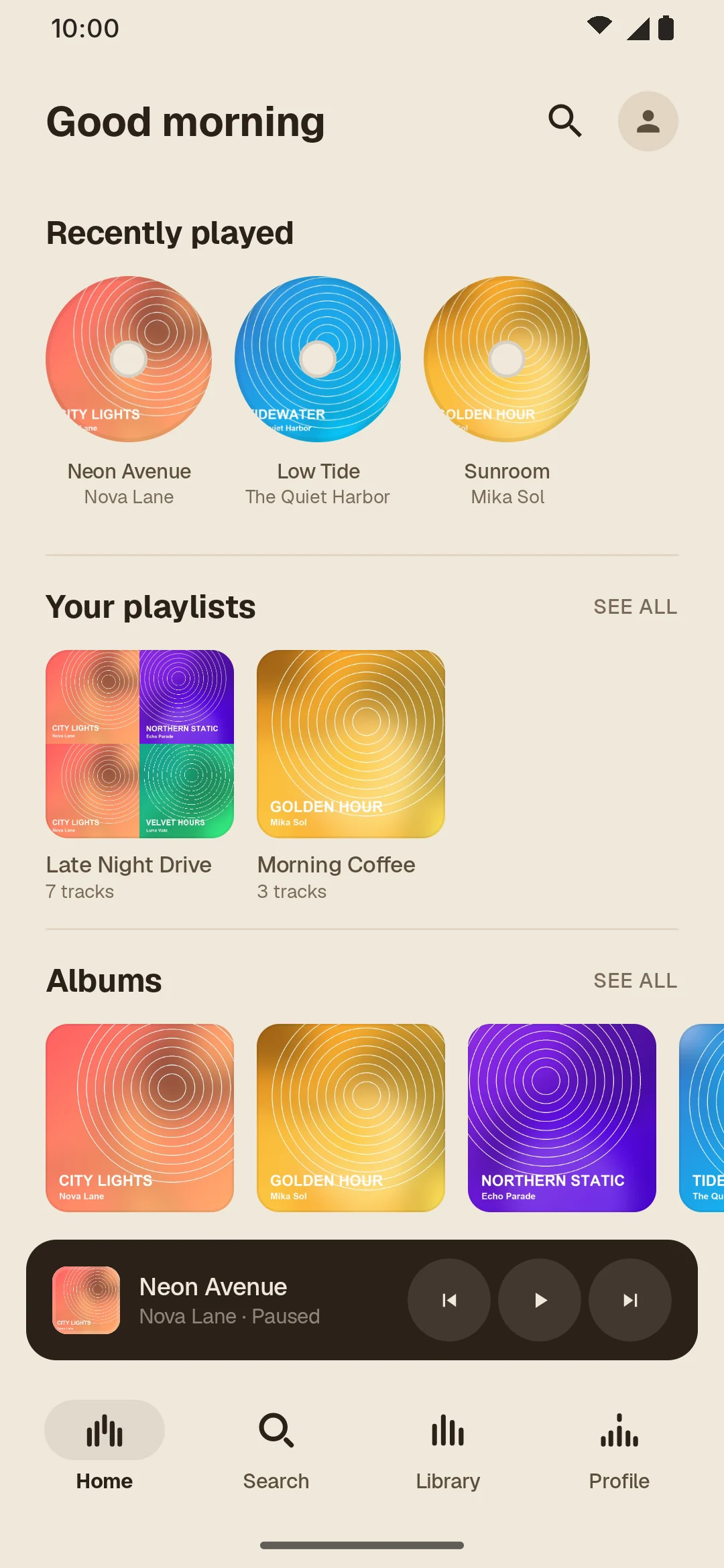
Home with recently played songs, playlists and albums in the Light theme Home with recently played songs, playlists and albums in the Dark theme Home with recently played songs, playlists and albums in the E-ink theme Home with recently played songs, playlists and albums in the E-ink dark theme
Home
Now Playing with the waveform seek bar in the Light theme Now Playing with the waveform seek bar in the Dark theme Now Playing with the waveform seek bar in the E-ink theme Now Playing with the waveform seek bar in the E-ink dark theme
Now Playing
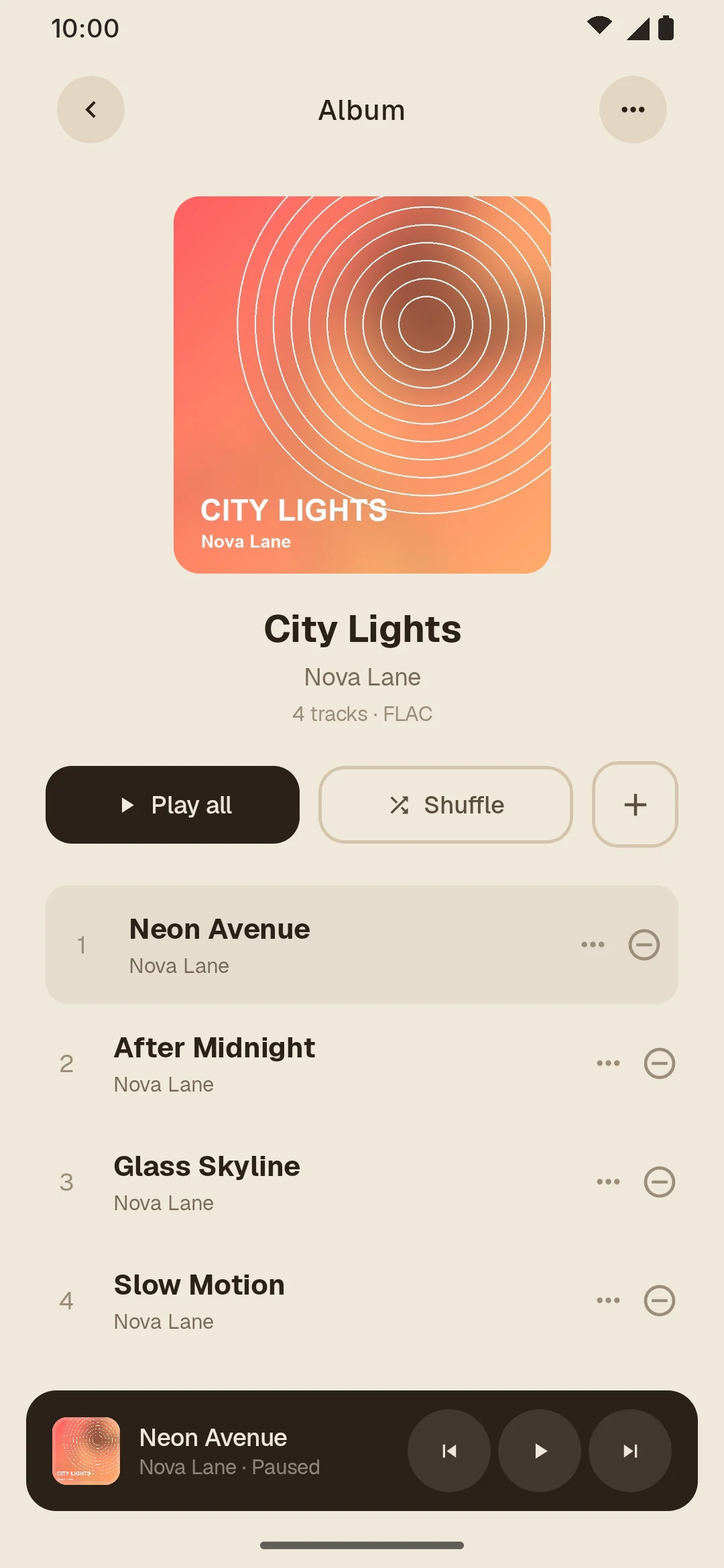
An album page in the Light theme An album page in the Dark theme An album page in the E-ink theme An album page in the E-ink dark theme
Album
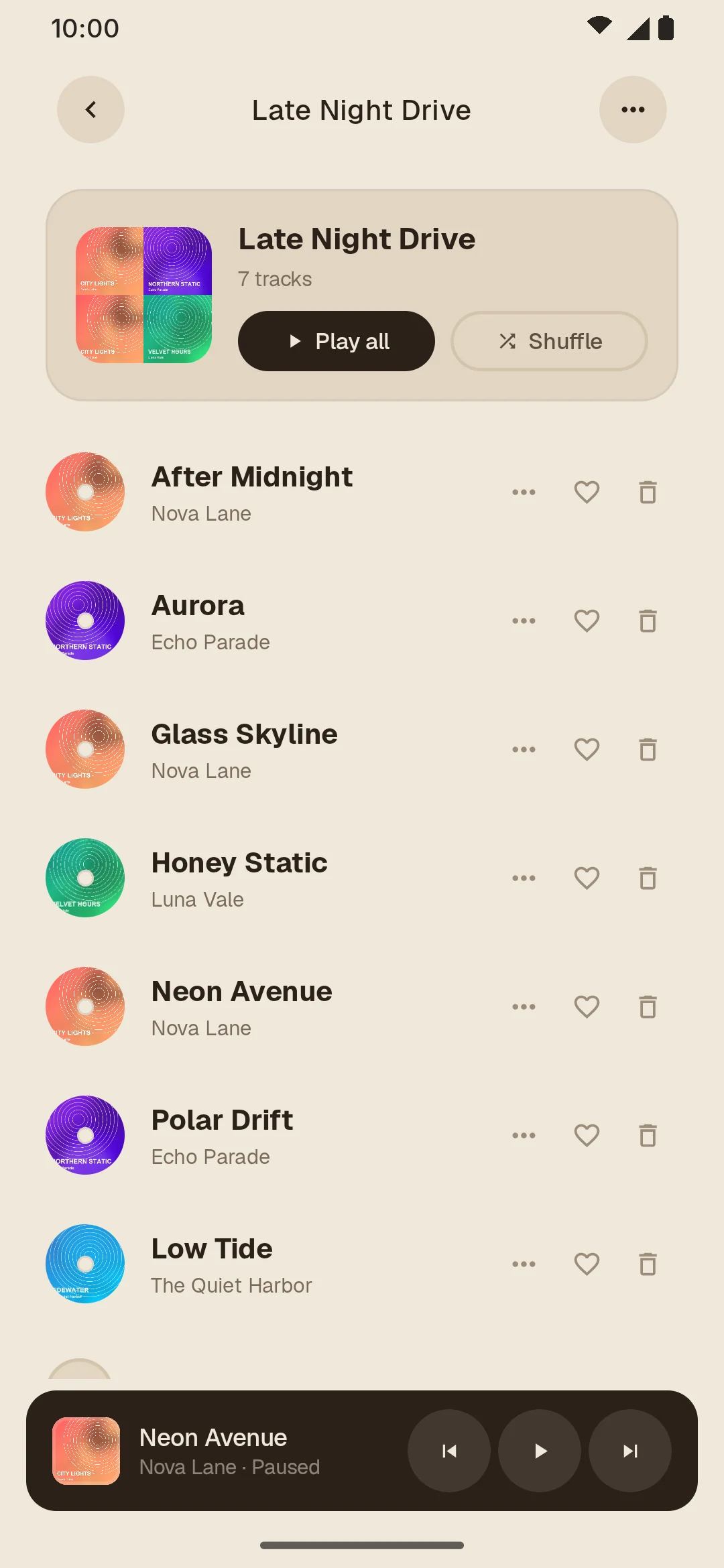
A playlist in the Light theme A playlist in the Dark theme A playlist in the E-ink theme A playlist in the E-ink dark theme
Playlist

Android TV and Google TV

Made for the big screen and the remote

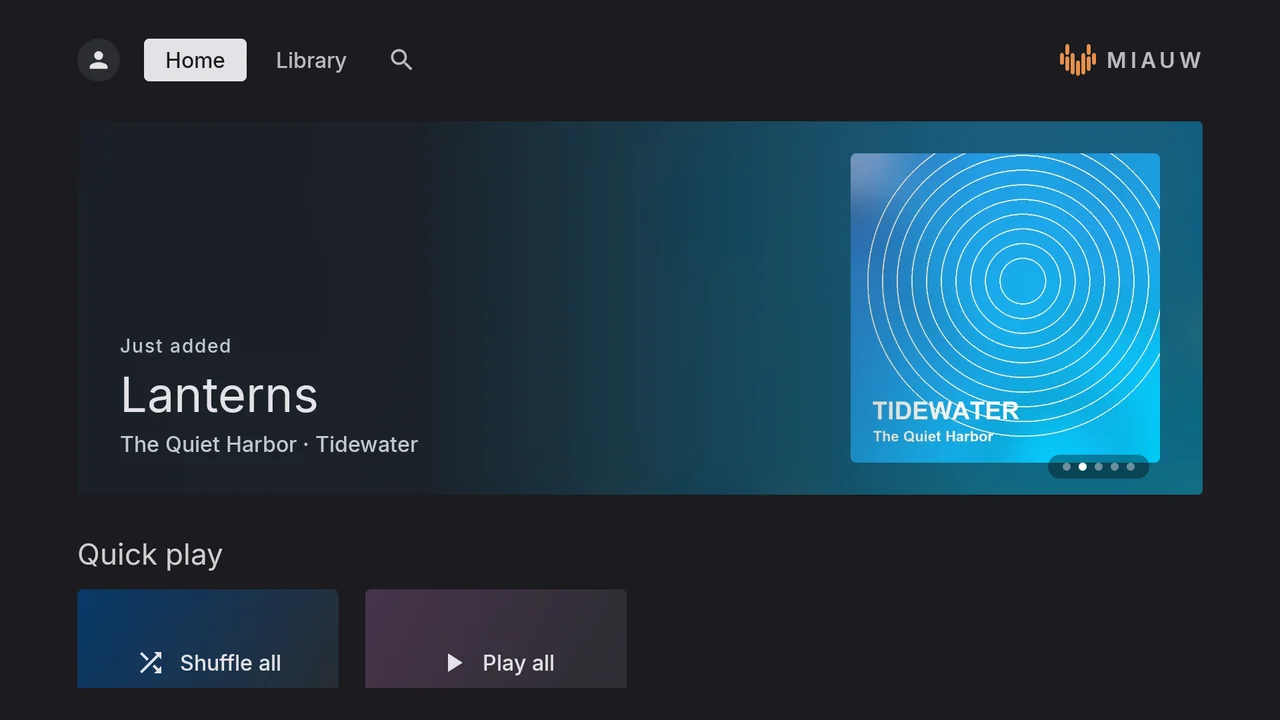
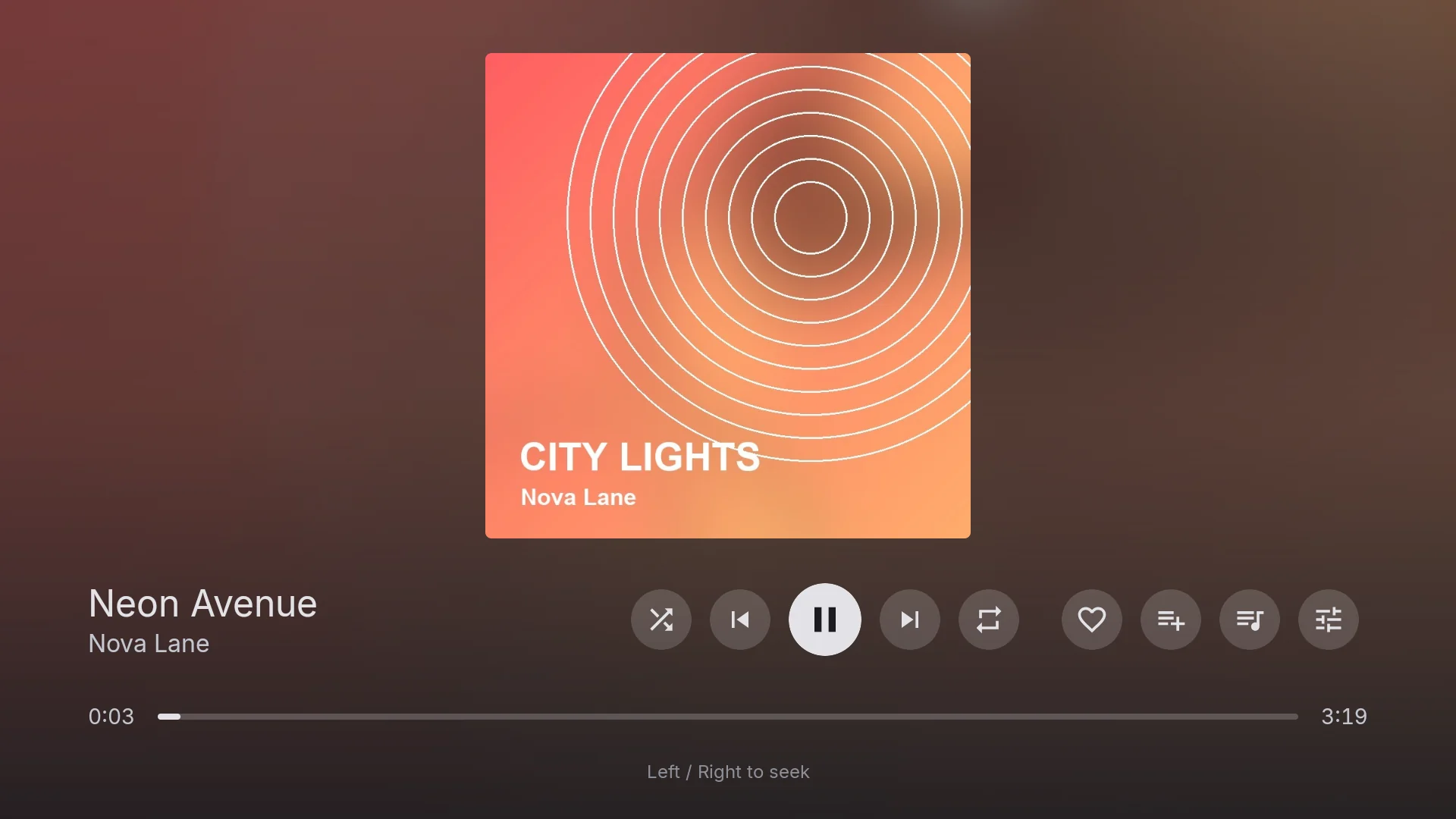
A TV app designed for the D-pad, with Home, Library, Search and a full-screen Now Playing view.
  • Sign in with a short codeNo typing passwords with a remote.
  • Pick songs on your phoneThey appear on your TVs automatically.
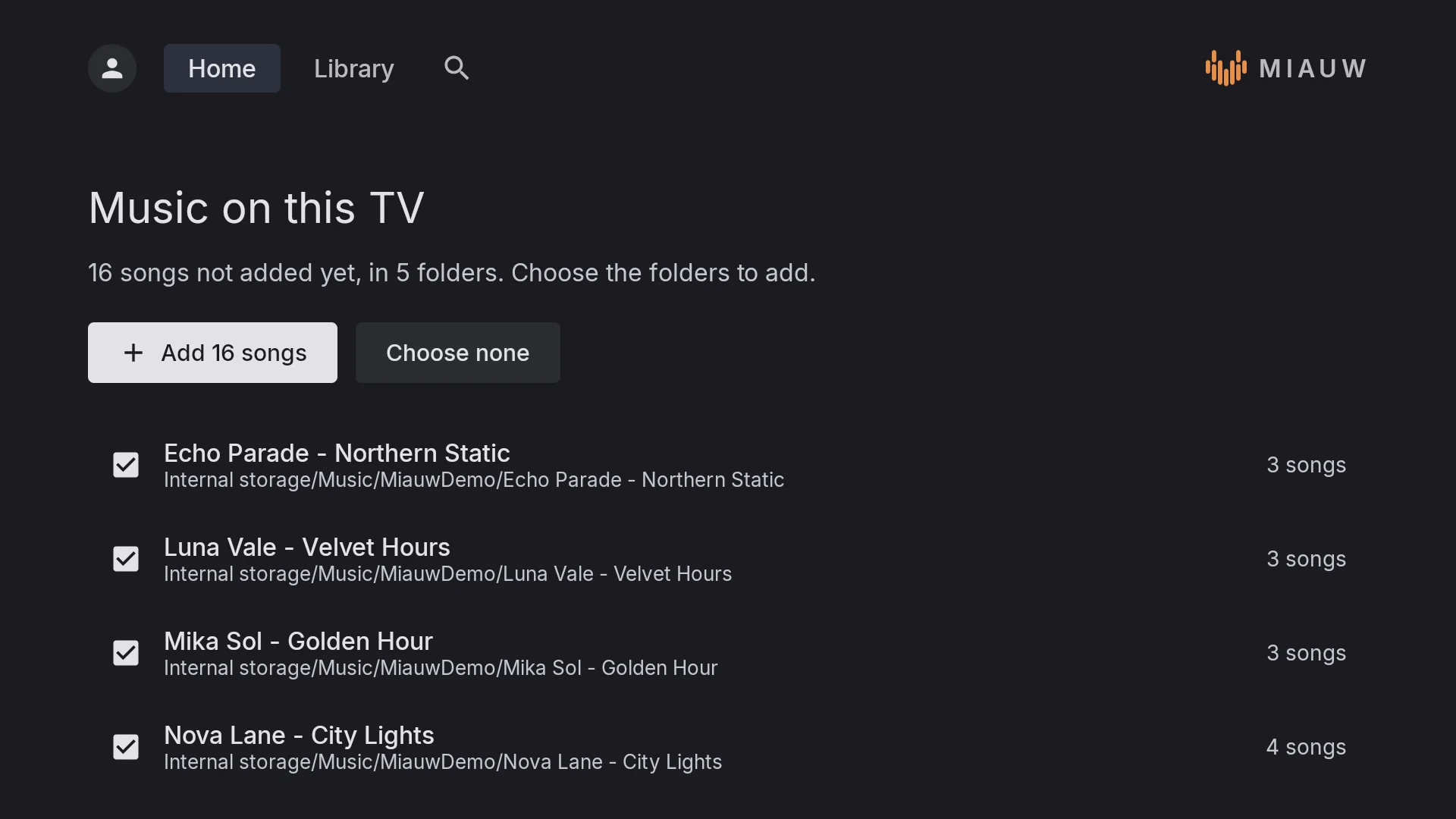
  • Music on the TV or a USB driveMiauw finds songs saved on the TV and lets you choose which folders to add.
Now Playing on Android TV
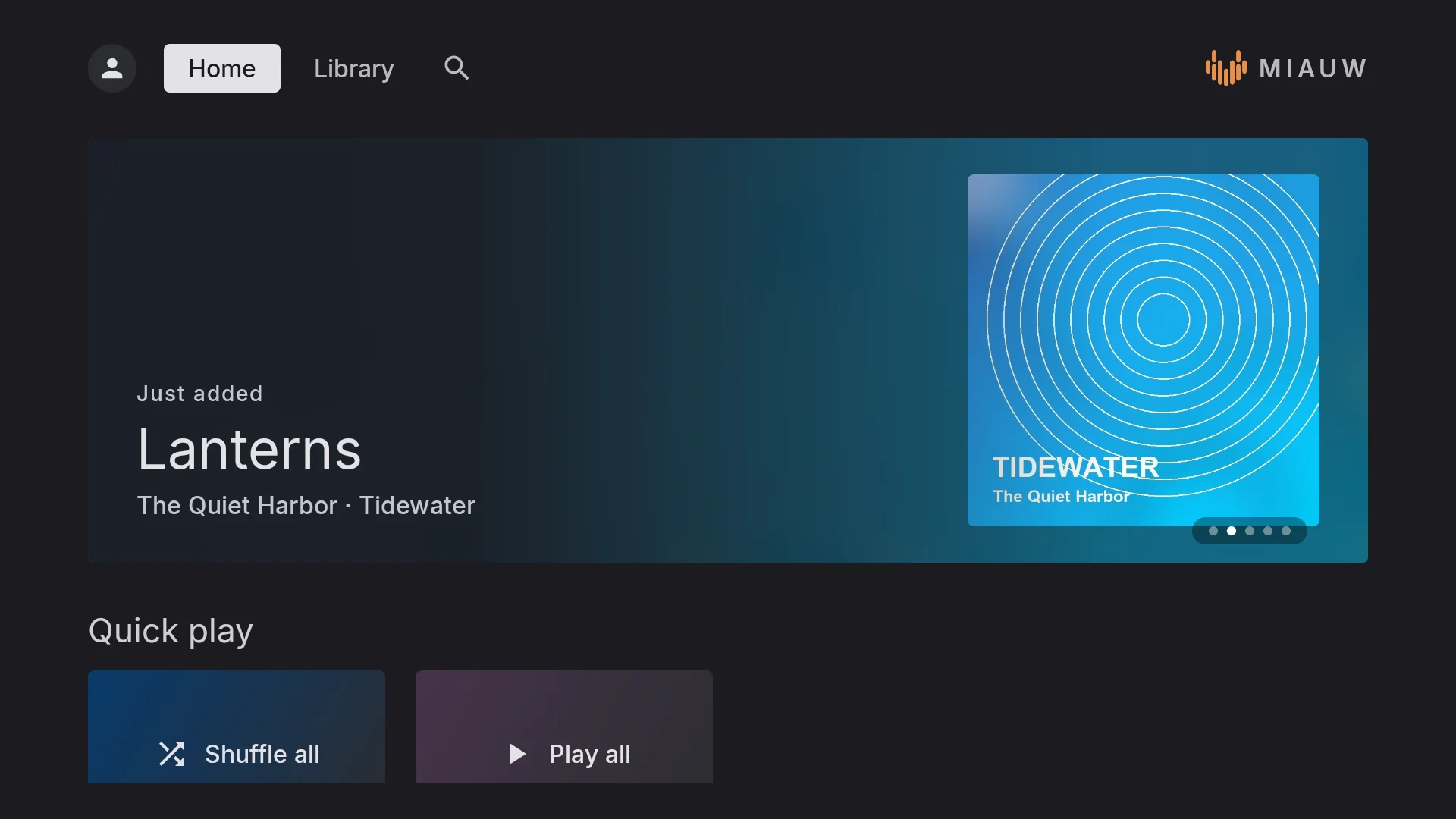
Home on Android TV, with the newest album and quick play
Home
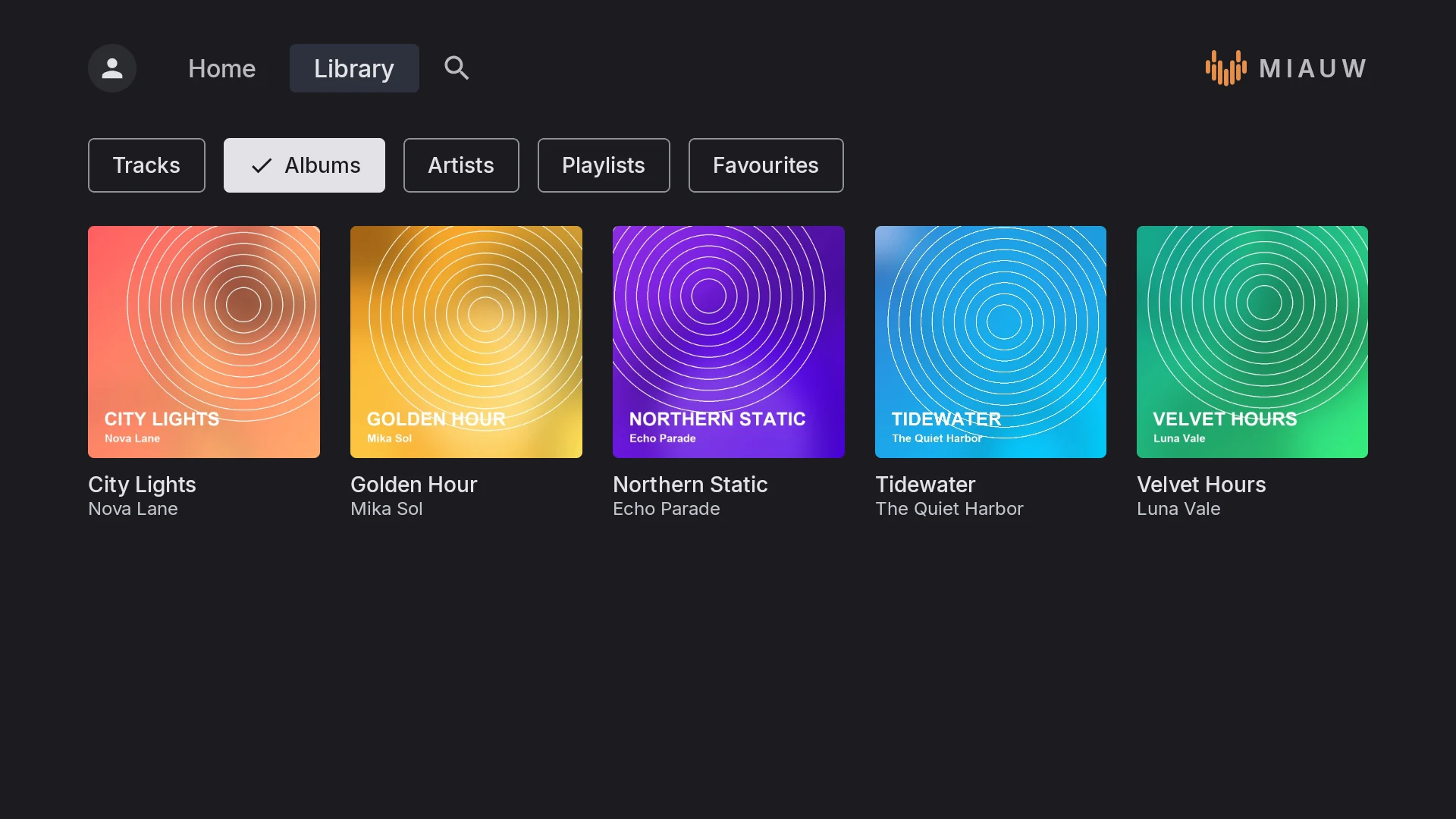
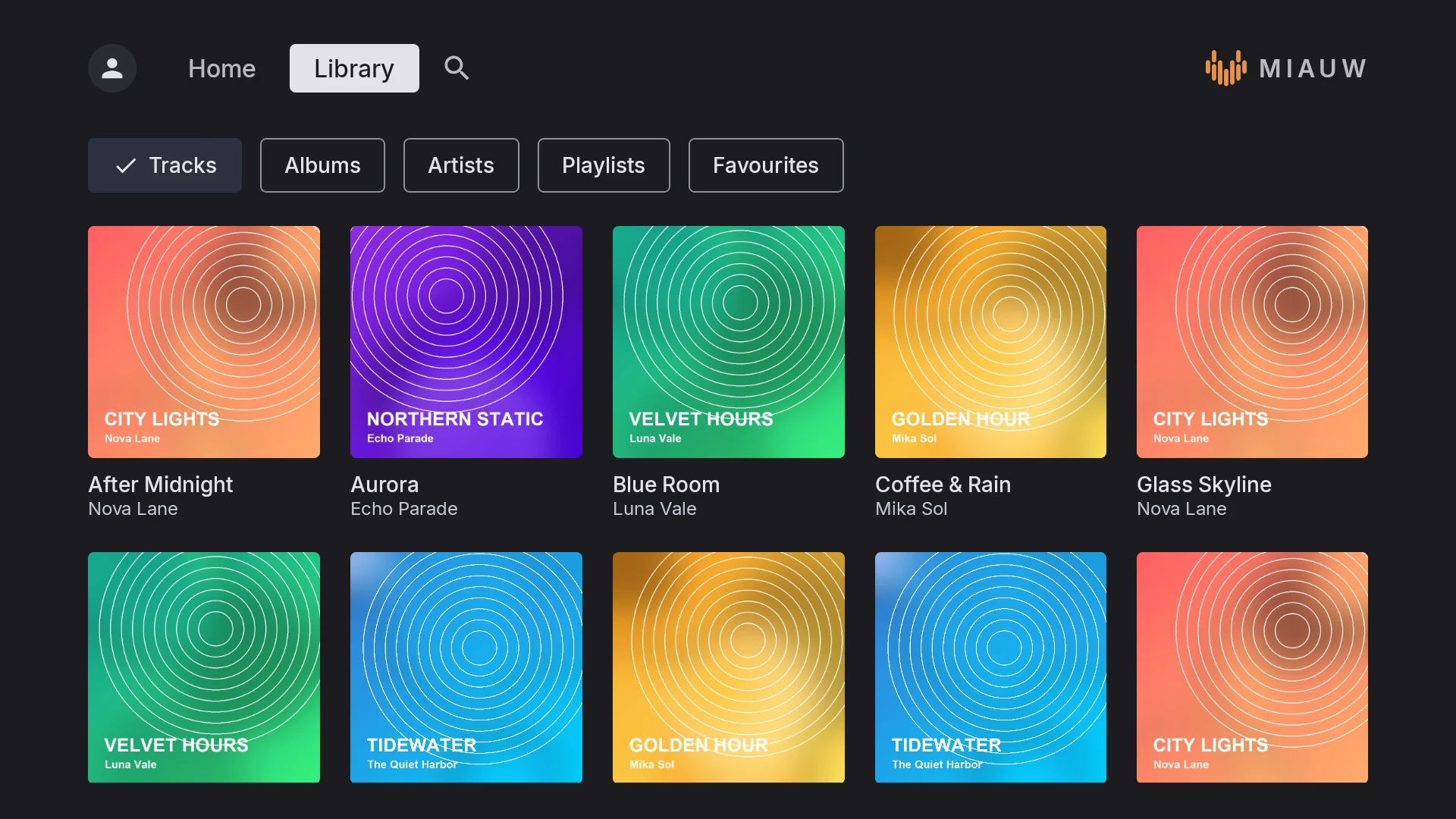
The TV library sorted by album
Library
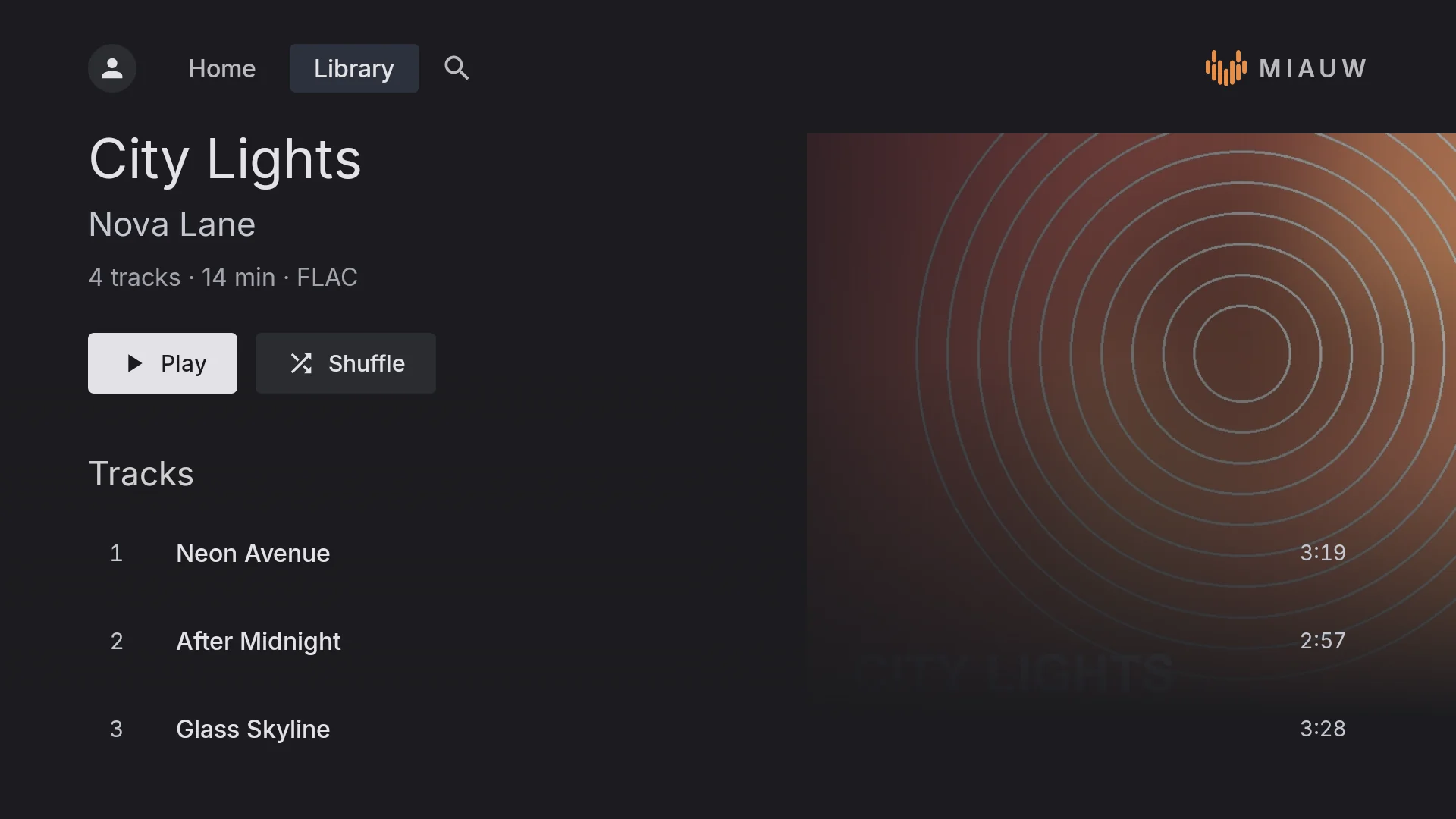
An album page on Android TV
Album
Every song in the library, with cover art
All songs
Choosing which folders on the TV to add
Music on this TV
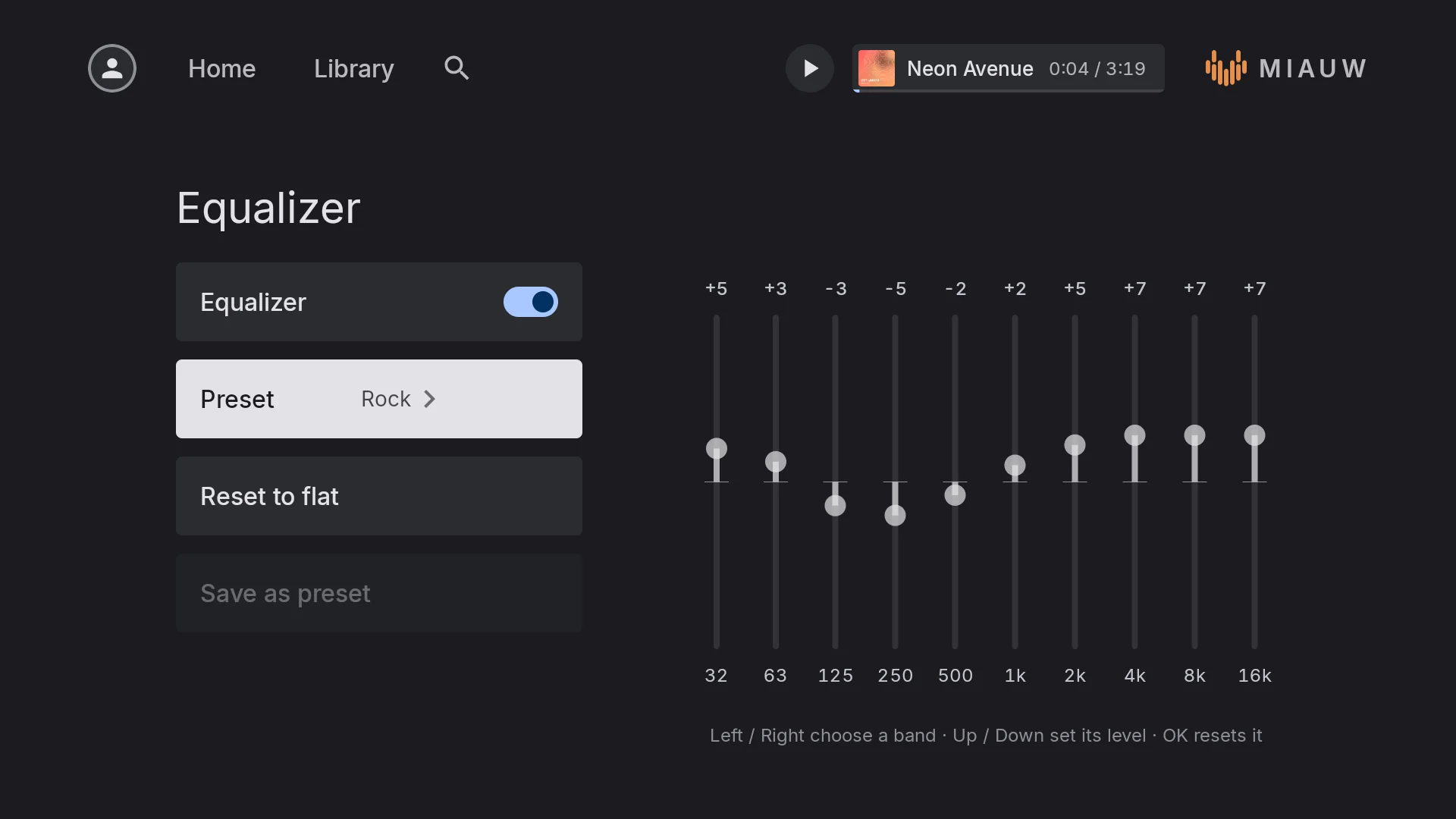
The equalizer on Android TV with the Rock preset
Equalizer

Scroll sideways for more, or tap a screenshot to see it large →

Android Auto

Your library on the road

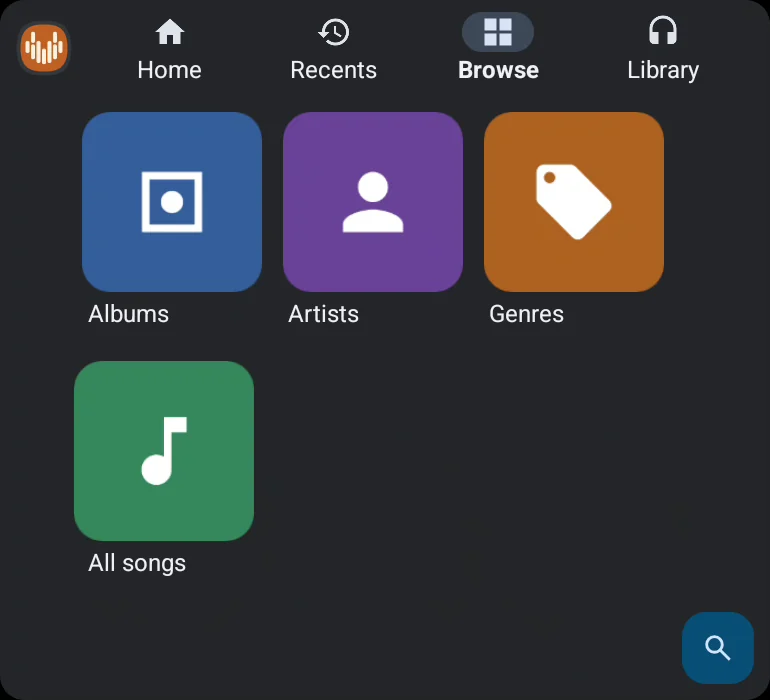
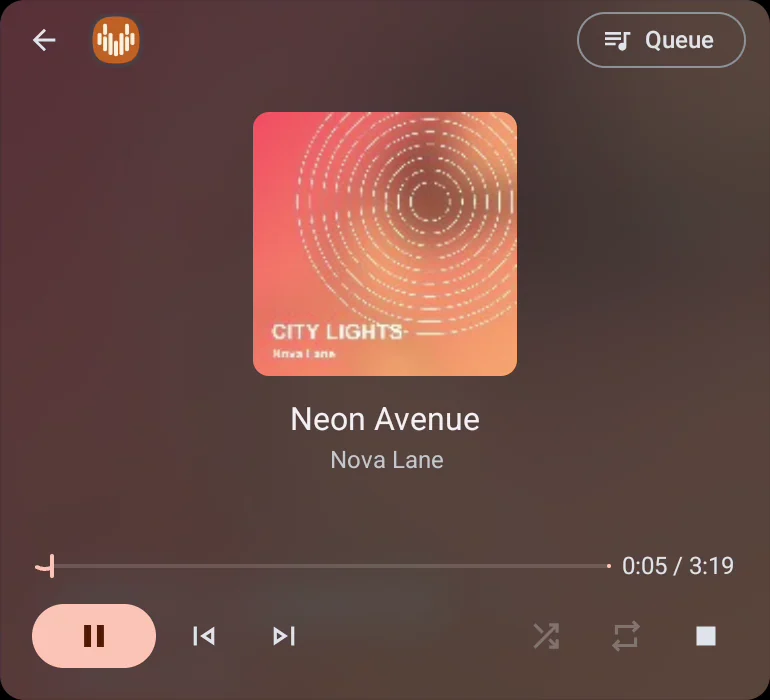
Miauw shows up on your car's screen with large, glanceable controls, so you can find an album without picking up your phone.
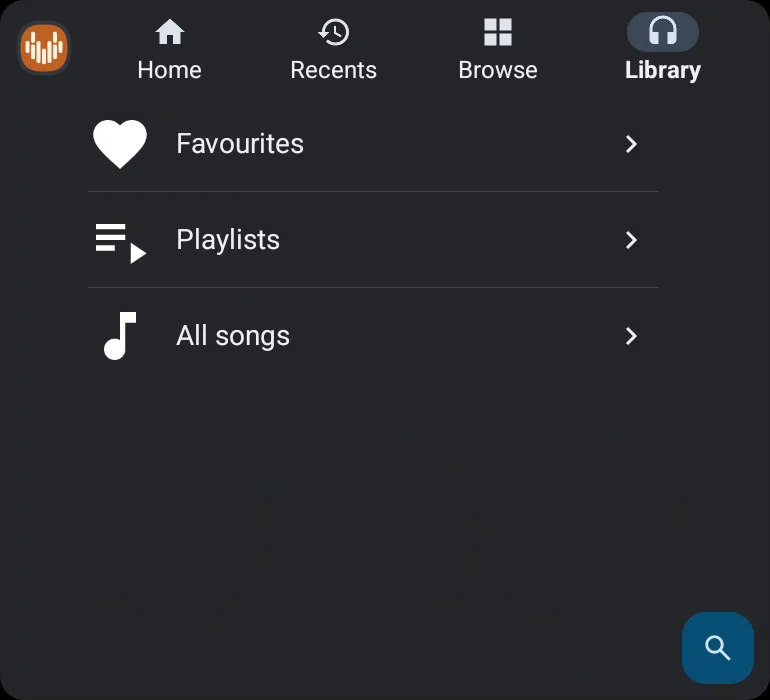
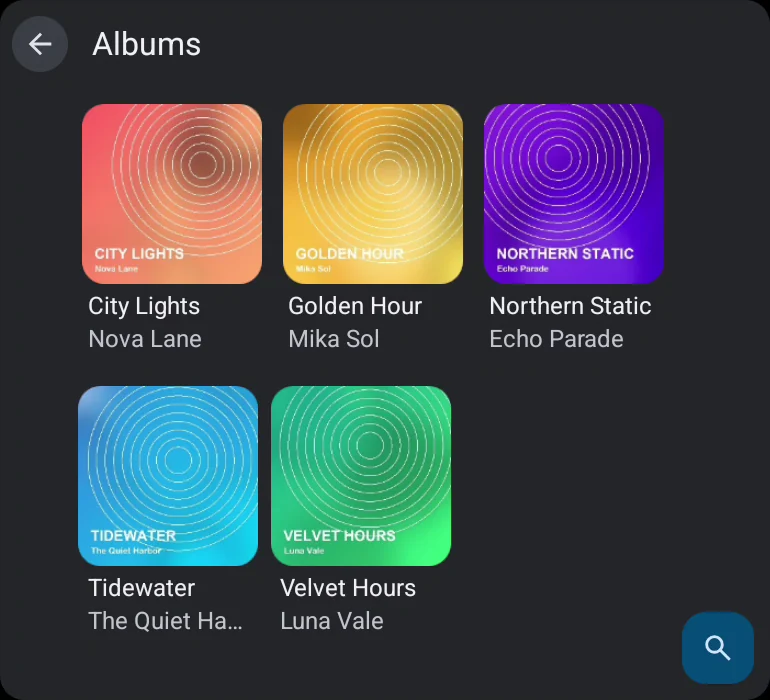
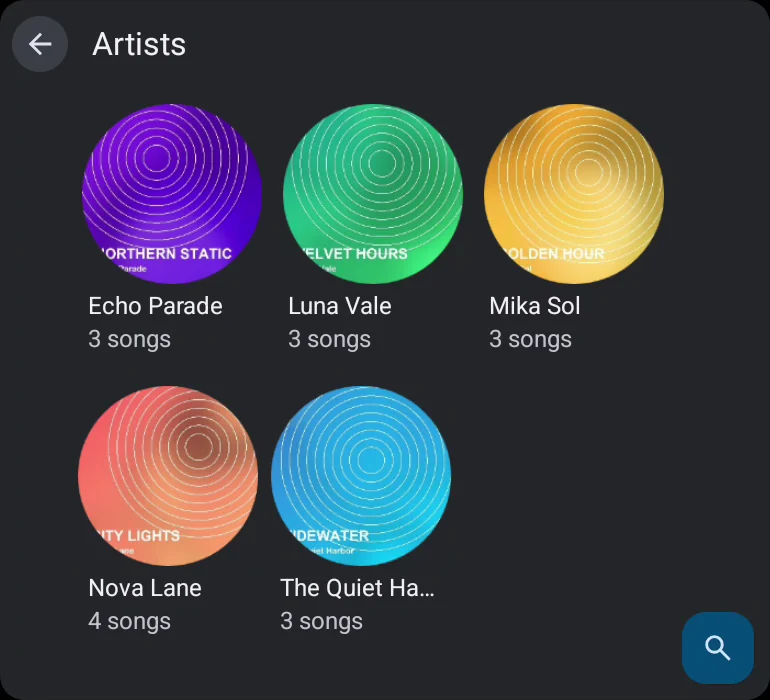
  • Browse the whole libraryAlbums, artists, genres, playlists, favourites and every song, with cover art.
  • Just askSay "play Neon Avenue on Miauw" and it starts.
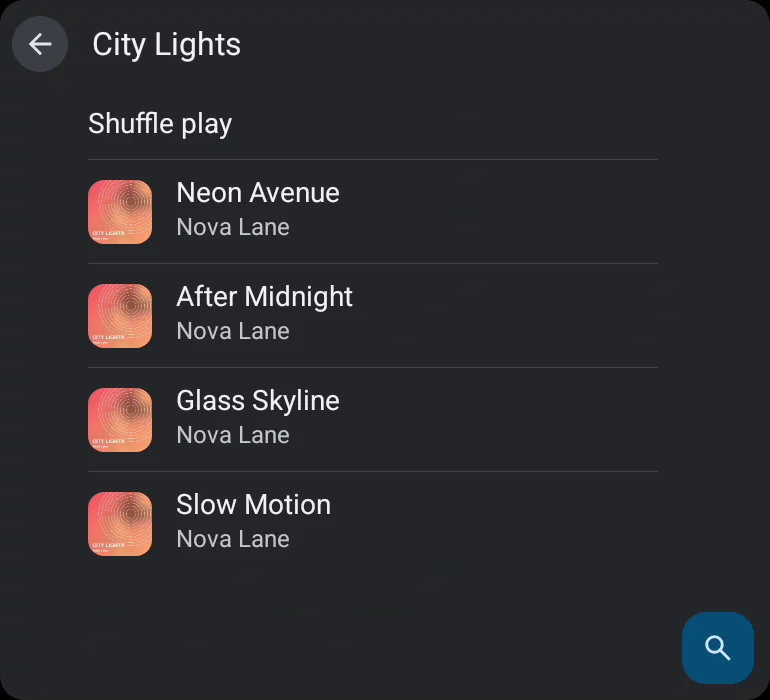
  • Shuffle play and the queueShuffle any album or playlist and see what's coming up next.
Now Playing on Android Auto with play, skip, shuffle, repeat and the queue
The Library tab: favourites, playlists and all songs
Library
Browse by albums, artists, genres or all songs
Browse
Albums with their cover art
Albums
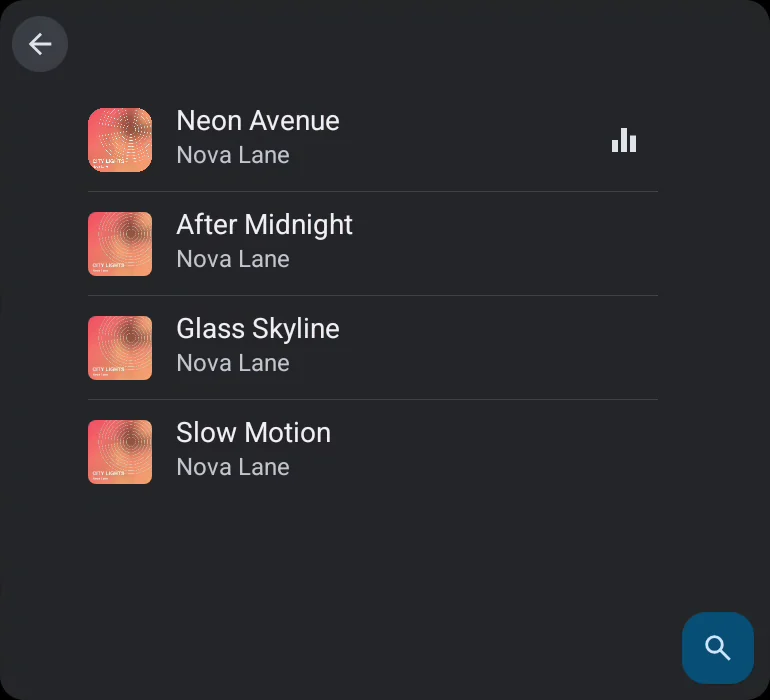
An album with Shuffle play and its songs
Album
Artists with their song counts
Artists
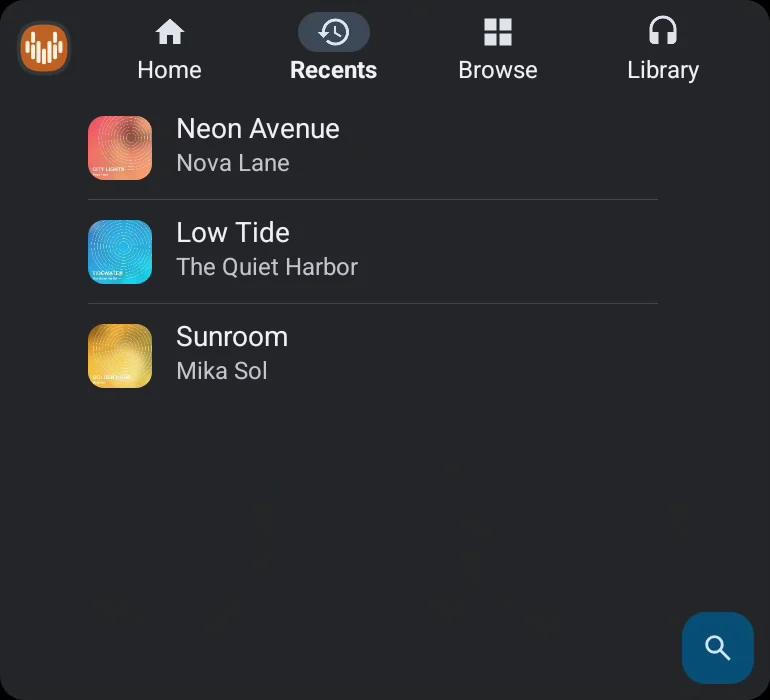
Recently played songs
Recents
The play queue on the car screen
Queue

Scroll sideways for more, or tap a screenshot to see it large →

And much more

The little things that add up

  • Home screen widgetSee what's playing and control it without opening the app.
  • Lock screen controlsFull playback controls and cover art in your notifications and on the lock screen.
  • Back up and restoreSave your library, playlists, lyrics and stats to a file, and bring them back on a new phone.
  • Headphone correctionImport AutoEQ profiles or an Equalizer APO config, plus bass, treble and a limiter.
  • A-B repeatLoop any part of a song to learn a riff or replay a verse.
  • Audio detailsSample rate, bitrate and format shown right on Now Playing.
  • Lyrics on screenSynced lyrics over Now Playing, fetched automatically or typed in by you.
  • Browse your wayAlbums, artists, genres and folders, with sorting, filters and search.
  • Batch actionsSelect many songs at once to add them to a playlist or remove them.
  • Play statsSee what you play most and what you played last.
  • Playlist exportExport playlists as M3U files to use in other players.
  • Resumable downloadsOffline downloads continue where they stopped after a lost connection.
  • In-app updatesNew versions download from Google Play while you keep listening.
  • Voice in the carSay "play Neon Avenue on Miauw" to Android Auto.
  • QR codes on TVOpen the privacy policy and other links on your phone by scanning the TV.

Private by design

Your music stays in your Google Drive and on your devices. Miauw has no servers that store your library, shows no ads and does not track you.

Read the privacy policy

Free on Google Play

Bring your music to every screen

Phone, tablet, Android Auto and Android TV. One library, no ads and no subscription.